NoMedia Xplorer2.0.03
Publisher Description
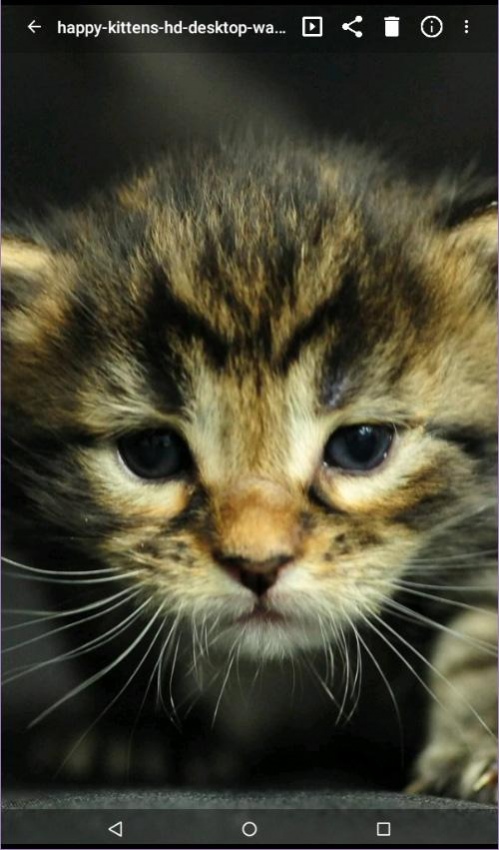
NoMedia Xplorer is an application to explore all media files (image and video) on your phone, including folder with .nomedia file, which is hidden from your gallery application.
It's a perfect tool to browse your hidden image.
It is also a simple tool to manage .nomedia files in your Phone.
Note for KItkat (4.4) and above users:
- External SDCARD is READ ONLY, you can't delete file, create/rename folder and add .nomedia file
■ Folder Features
- Support internal & external SDCARD
- Creating & Renaming folders
- Remove all media files from folder
- Create/Remove .nomedia file in a folder
- Switching between list view and thumbnail view
- Sorting by name, date, or path
- Set maximum sub folder to scan
■ Photo/Video Features
- Browsing photos inside folders
- Browsing videos inside folders (playback on devices is supported for MP4 and 3GP format videos)
- Switching between list view and thumbnail view
- Sorting by name, date, or File Size
- Deleting photo/video
- Sharing photo/video
- Use Images as your wallpaper/contact picture
- Slideshows
- Display detail Exif info from JPEG image
About NoMedia Xplorer
The company that develops NoMedia Xplorer is Diginine. The latest version released by its developer is 2.0.03. This app was rated by 25 users of our site and has an average rating of 3.4.
To install NoMedia Xplorer on your Android device, just click the green Continue To App button above to start the installation process. The app is listed on our website since 2017-03-02 and was downloaded 2,648 times. We have already checked if the download link is safe, however for your own protection we recommend that you scan the downloaded app with your antivirus. Your antivirus may detect the NoMedia Xplorer as malware as malware if the download link to com.diginine.mediaxplorer is broken.
How to install NoMedia Xplorer on your Android device:
- Click on the Continue To App button on our website. This will redirect you to Google Play.
- Once the NoMedia Xplorer is shown in the Google Play listing of your Android device, you can start its download and installation. Tap on the Install button located below the search bar and to the right of the app icon.
- A pop-up window with the permissions required by NoMedia Xplorer will be shown. Click on Accept to continue the process.
- NoMedia Xplorer will be downloaded onto your device, displaying a progress. Once the download completes, the installation will start and you'll get a notification after the installation is finished.
Program Details
System requirements
Download information
Pricing
Version History
version 2.0.03
posted on 2017-03-02
version 2.0.02
posted on 2016-02-09
New UI,High Res Image display,Fix External SD Card detection,Fix Image Name Sorting
